I’m excited to announce the official Scoold community node for n8n! You can now connect Scoold to hundreds of apps and services - Slack, Jira, GitHub, Google Sheets, email, you name it - and automate your knowledge-base workflows without writing a single line of code.
n8n is an open-source workflow automation platform similar in spirit to Zapier
but more flexible: you can self-host it and you can build arbitrarily complex workflows using its visual
editor. Scoold joins a library of hundreds of integrations available in n8n. The package is published on npm as
@erudika/n8n-nodes-scoold and provides two nodes:
- Scoold - lets you create, read, update, and delete posts, comments, tags, and reports, or search content
- Scoold Trigger - starts a workflow the moment a Scoold event fires
Installation
Installing community nodes in n8n takes about 30 seconds. Go to n8n Settings → Community Nodes,
click Install, and enter the package name @erudika/n8n-nodes-scoold.
If you’re self-hosting n8n via npm you can also install it directly:
npm i @erudika/n8n-nodes-scooldOnce installed, search for “Scoold” in the node picker and both nodes will appear.
Credentials & Security
Before you can use either node you need a Scoold API key. Head to the Administration page in your Scoold
instance, scroll to the API section, and generate a new JWT key. Then create a Scoold API credential in n8n
and paste in your instance URL and the key. n8n will automatically verify the credential by calling /api/stats.
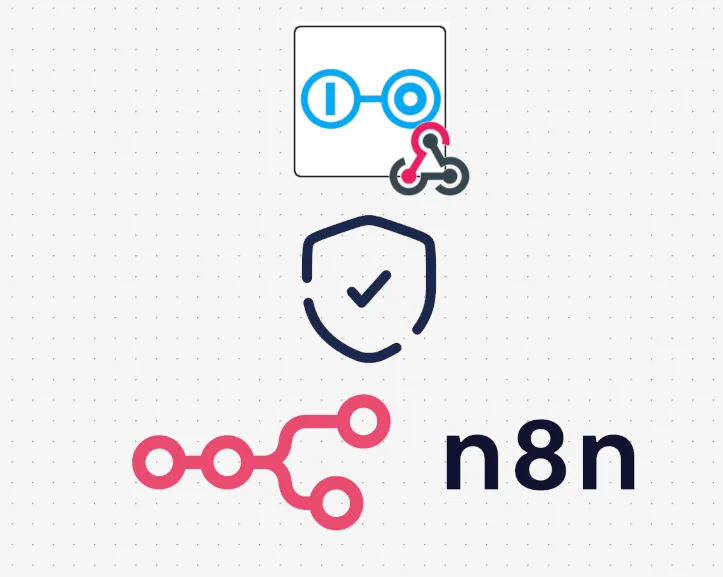
The Scoold node for n8n also verifies every request coming from Scoold to n8n. Each webhook payload is signed and if the signature does not match on the n8n side, then the request is discarded. This prevents man-in-the-middle attacks and guarantees the integrity of every request.
Trigger node
The trigger node is the starting point for all event-driven workflows. When you activate a workflow, the node registers a webhook in Scoold automatically - there’s no manual setup and nothing to configure on the server beyond enabling webhooks in your configuration:
scoold.webhooks_enabled = trueYou subscribe to one or more named events loaded directly from your Scoold instance, for example
question.create, answer.create, comment.create, report.create, or user.signup. You can also subscribe
to low-level CRUD events from Para such as update and delete and narrow them down with a Property Filter,
for example type:question or space:engineering.
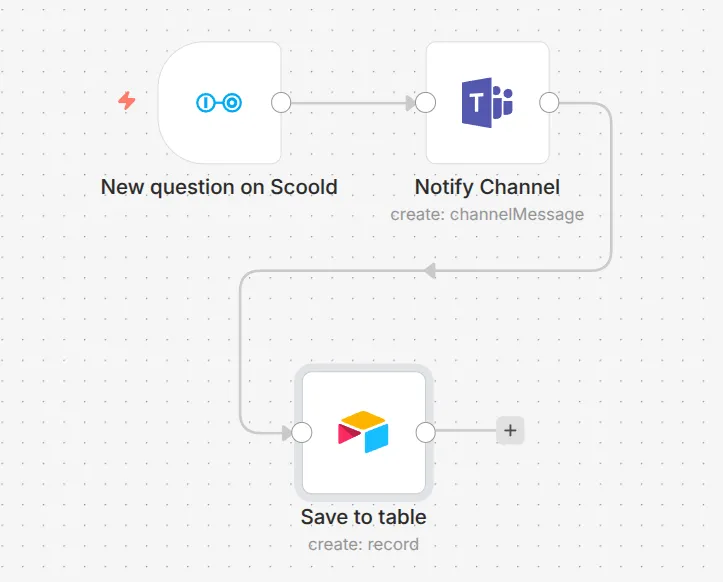
Every item emitted by the trigger carries a _scoold metadata field with the event name, timestamp, app ID and
webhook ID so downstream nodes always know the full context of what just happened. The webhook is automatically
removed from Scoold when you deactivate the workflow.
Action node
The action node gives you direct API access to your Scoold community. Pick a Resource and an Operation and the node handles authentication, serialization and pagination for you.
You can create questions, answers, and sticky posts, update or delete existing ones, and fetch a post’s answers,
comments, or full revision history. Creating an answer is as simple as setting Post Type to reply and
pointing Parent Post ID at the question. Markdown is supported in the body, and you can assign the post to
any space or override the author with a creatorid for bulk imports.
All three resources follow the same pattern: create, get, update (where applicable), delete, and list. For
reports there is also a Close operation that lets you resolve a report and record the actions taken. This is
particularly useful for moderation workflows - for example, automatically closing reports whose linked post has
already been deleted, or routing SPAM reports to a Slack channel for manual review.
Search
The Search resource lets you run full-text queries across any content type - questions, answers, users, tags, comments, and more. Enable Return All to automatically paginate through every result using cursor-based pagination, or page through results manually with Limit and Page.
Workflow ideas
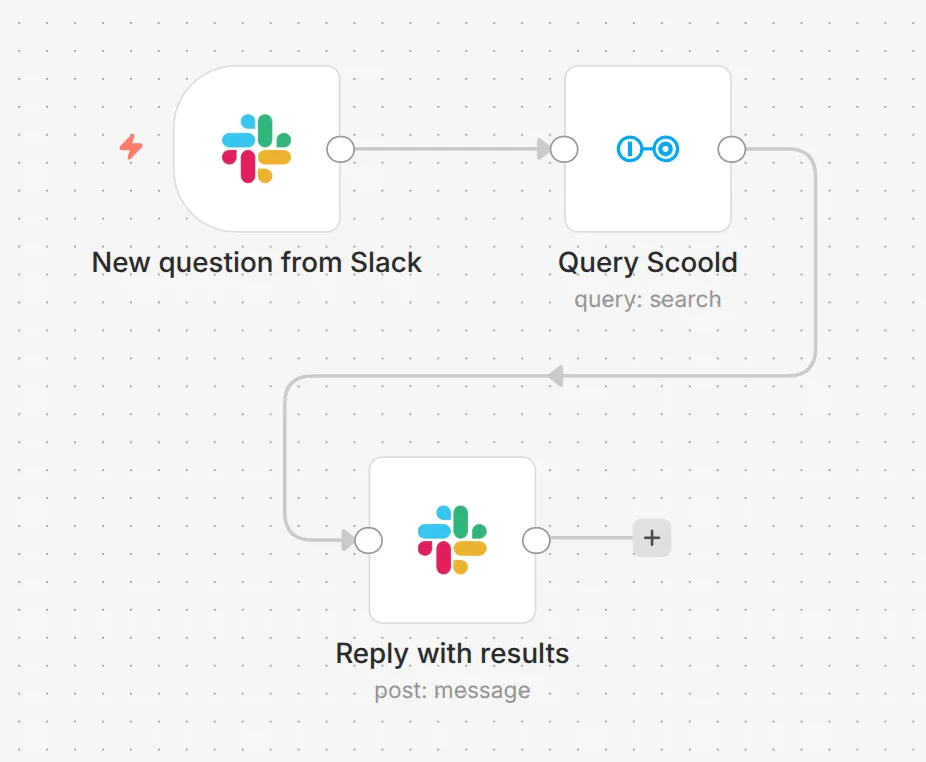
Here are a few practical workflows you can build today:
- Unanswered question reminder - trigger on
question.create, wait 48 hours with a Wait node, check ifanswercountis still 0, and post a reminder in Slack. - Spam moderation - trigger on
report.create, filter forsubType:SPAM, delete the reported post with the Scoold node, then close the report automatically. - Knowledge base mirror - trigger on
question.createoranswer.createand append new content to a Google Sheet or Notion database for offline review. - New member welcome - trigger on
user.signupand send a personalised welcome email via SendGrid or Gmail. - Weekly digest - use a Schedule Trigger, query the Search resource for the top-voted questions from the past seven days, and email a digest to your team.
Full documentation is available on the Scoold n8n integration page. The source code for the node is open on GitHub - issues and pull requests are always welcome.
Hey, I’m Alexander - an indie solo developer working on Scoold and Scoold Cloud in the open. Questions? Ask me anything about Scoold on Gitter!
About the author

Founder & Indie Hacker