
Authoring Content
Scoold supports ↗ Markown for authoring content, and the GFM flavor in particular. There’s a rich content editor for writing long text like questions and answers.
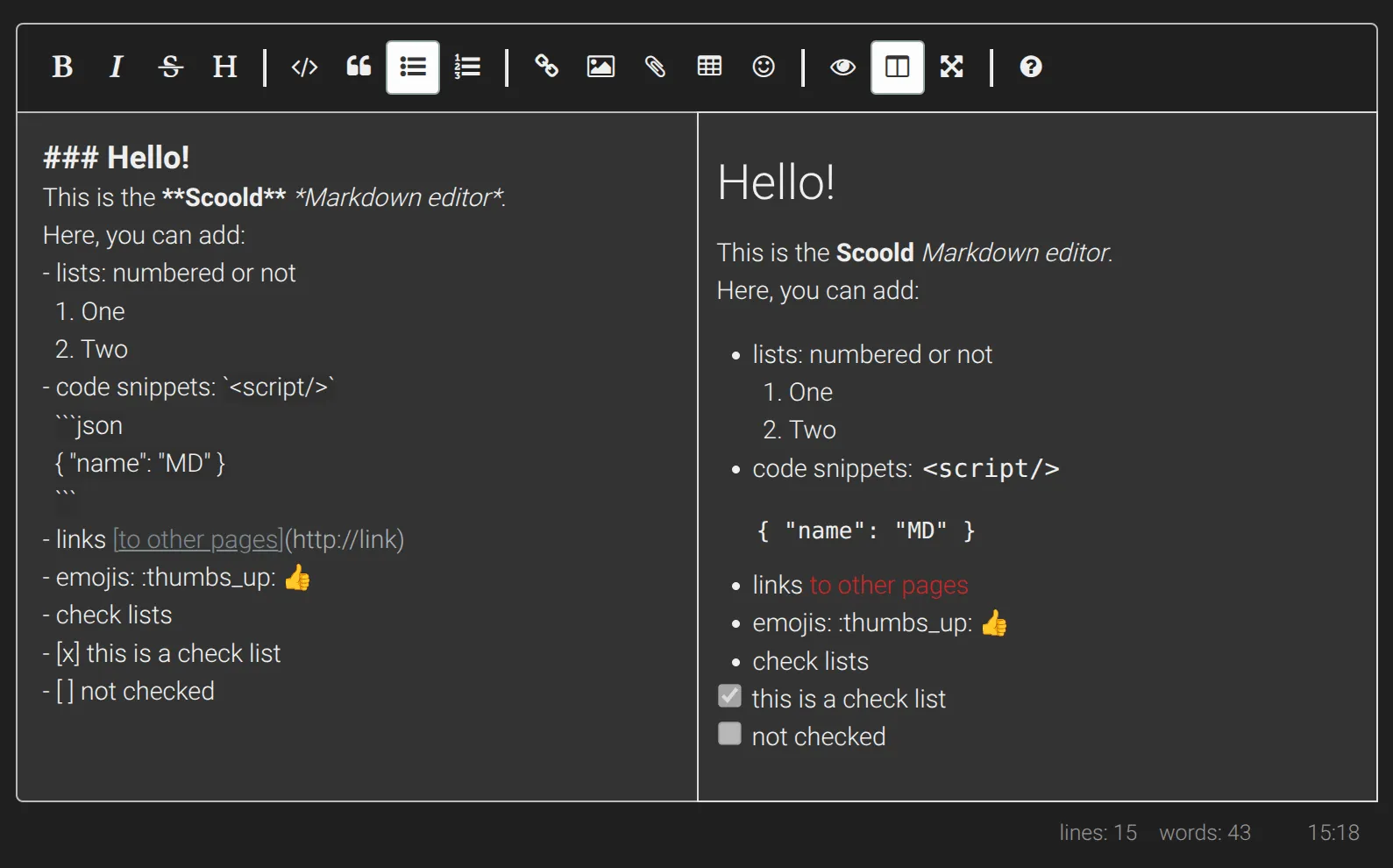
The content supports tables, lists, headings and check lists. Emojis are also supported. You can use an Emoji cheat sheet to copy and paste emojis into the content editor.
The written Markdown can be visually previewed before posting.
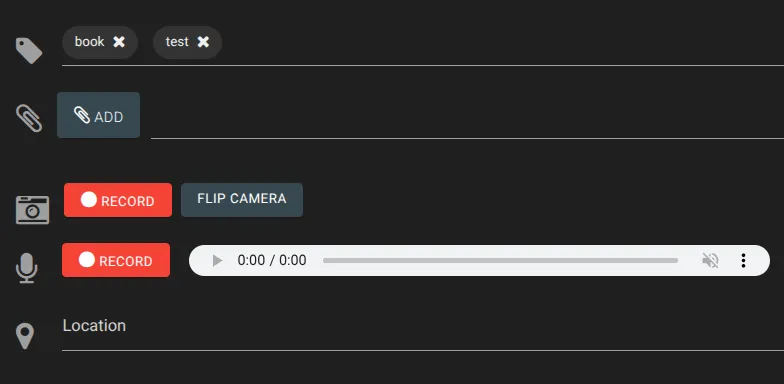
Each post can have a number of attachments - files (pro only), tags, audio, video, geolocation.
Every content modification (to question or answer) is preserved in a “revision”. Past revisions can be restored by the author or moderators.
Diagrams and formulas
Section titled “Diagrams and formulas”You can also add Mermaid diagrams directly in your Markdown posts. This feature makes it super easy to share your diagrams and drawings with your team, or ask your AI assistant to save them for you inside Scoold. This feature is enabled with the following configuration:
scoold.mermaid_enabled = trueAn inside your post you can add the diagram syntax like so:
```mermaidgraph TDaccTitle: Basic Mermaid diagram exampleaccDescr: Simple flowchart showing nodes A, B, C, and D with connections between them.
A-->B;A-->C;B-->D;C-->D;```
Another cool feature is the support for MathML formulas and scientific notation. Scoold integrates with KaTeX, the fastest math typesetting library for the web. Previously we used MathJax but recently migrated to KaTeX because it’s more lightweight. To enable this feature add the following configuration:
scoold.mathjax_enabled = trueYou can add expressions in your Markdown posts like this:
$$\frac{-b\pm\sqrt{b^2-4ac}}{2a}$$