
Translating Scoold
You can translate Scoold to your language by copying the English language file and translating it, or click the “Edit file” on GitHub.
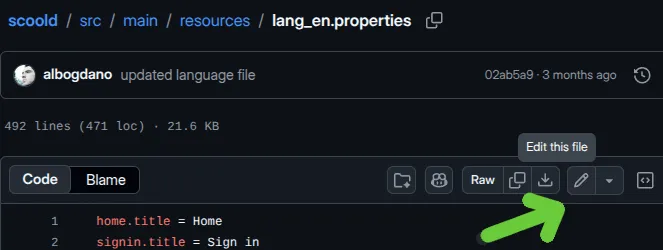
- Copy the English file ↗ English language file
- Rename file name from
lang_en.propertiestolang_xy.propertieswherexyis the language code for your locale. - When the file is translated, open a pull request on GitHub containing the new file
Changing the language of the site
Section titled “Changing the language of the site”You can also change the default language of Scoold for all users by adding this to your Scoold configuration:
scoold.default_language_code = "en"Replace "en" with the two-letter language code of your choice.