
Zapier
Zapier connects Scoold’s API to thousands of other tools. Automate workflows like notifying Jira when a new question is tagged ‘bug’, or adding unanswered questions to your team’s project management tool.
- To get started, sign up for a Zapier account and follow the invite link to ↗ Scoold on Zapier
- ↗ Create a new “Zap” by selecting the Scoold app as a starting point
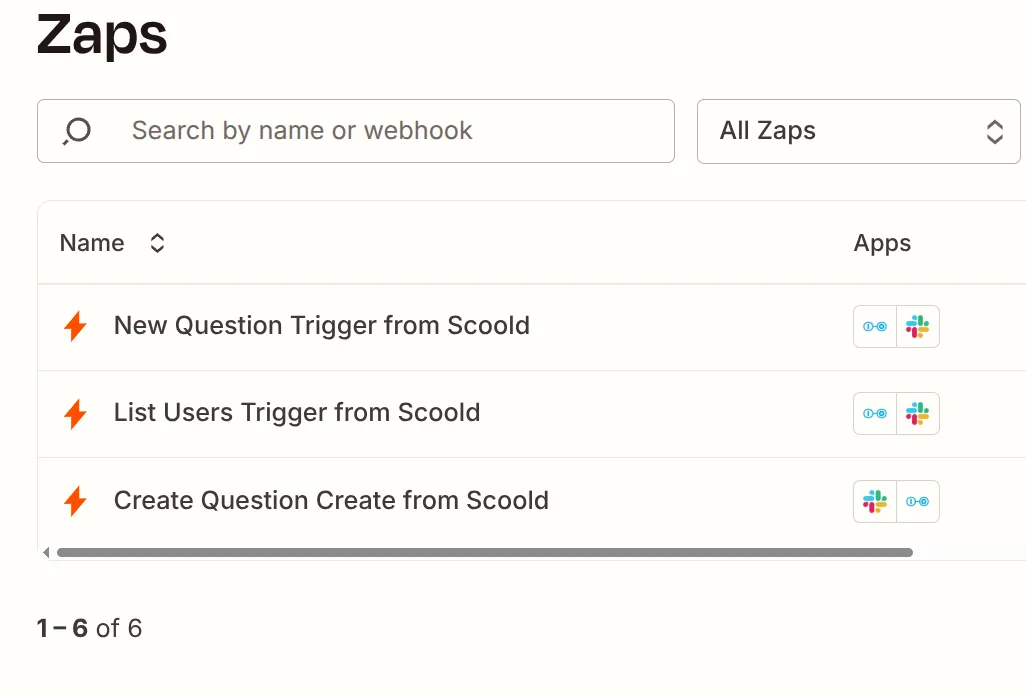
- Select the trigger event, for example “New Question”.
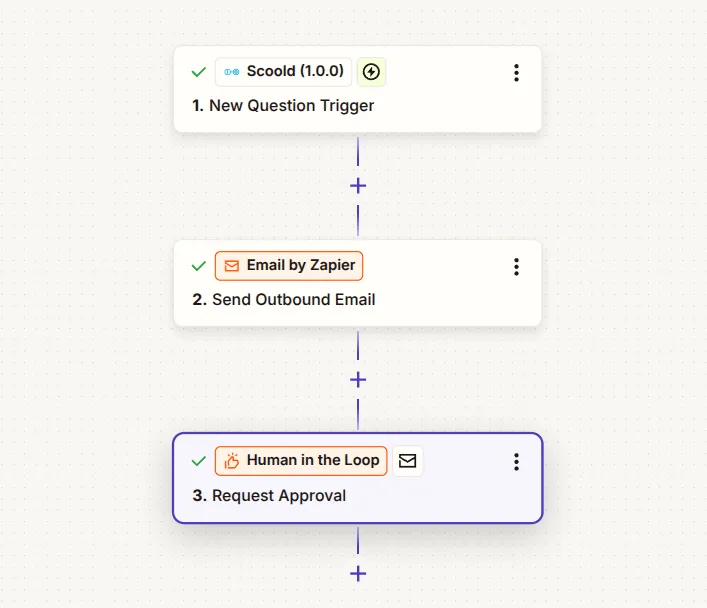
- Test your Zap and click “Continue”
If you prefer, you can use the Zapier CLI tool and install the JSON Schema for the Scoold app manually.
Download JSON Schema
The official Scoold community node for n8n lets you trigger workflows from Scoold events and search Scoold content — all without writing any code.
The package provides two nodes:
- Scoold Trigger — starts a workflow when a Scoold event fires (new question, answer, comment, report, etc.)
- Scoold — searches Scoold for questions, answers, users, and other content types
Installation
Section titled “Installation”- In n8n, go to Settings → Community Nodes
- Click Install and enter:
n8n-nodes-scoold
- Confirm the installation and restart n8n if prompted
npm install n8n-nodes-scooldThen restart your n8n instance.
Setting up credentials
Section titled “Setting up credentials”-
In your Scoold Admin panel, scroll to the API section and generate a new JWT API key. Copy it — it is only shown once.
-
In n8n, go to Credentials → New → Scoold API and fill in:
- Base URL — the root URL of your Scoold instance, e.g.
https://community.example.com(no trailing slash) - API Key — the JWT key you just generated
- Base URL — the root URL of your Scoold instance, e.g.
-
Click Test credential. n8n calls
/api/statsto verify the key is valid.
Scoold Trigger
Section titled “Scoold Trigger”The Scoold Trigger node automatically registers a webhook in Scoold when the workflow is activated, and removes it when the workflow is deactivated. No manual webhook setup is required.
Configuration
| Parameter | Description |
|---|---|
| Event Names or IDs | One or more Scoold events to subscribe to. Loaded from your Scoold instance at /api/events. |
| Property Filter (optional) | Narrow events by object property, e.g. space:general or tags:bug|security |
Supported events (partial list):
| Event | Fires when… |
|---|---|
question.create | A question is posted |
answer.create | An answer is posted |
comment.create | A comment is posted |
answer.accept | An answer is accepted as the solution |
answer.approve | An answer is approved by a moderator |
report.create | A report is submitted |
question.close | A question is closed |
user.signup | A new user registers |
Each trigger execution emits one n8n item per object in the event payload.
Every item includes a _scoold metadata field with the event name, timestamp, app ID, and webhook ID.
Scoold (search node)
Section titled “Scoold (search node)”Use the Scoold node to search for content in your community from anywhere in a workflow.
Resource: Search — Operation: Query
| Parameter | Description |
|---|---|
| Type | Object type to search: question, answer, user, profile, comment, report, revision, badge, feedback |
| Query | Full-text search string (supports Lucene syntax) |
| Return All | Automatically page through all results using cursor pagination |
| Limit | Max results per page (default 50, used when Return All is off) |
| Page | Page number to fetch (used when Return All is off) |
| Sort By | Field to sort by, e.g. timestamp or votes |
| Descending | Sort order (default: newest first) |
| Split Out Items | On (default): emit one item per result. Off: emit one item with the raw { items, page, totalHits } envelope |
Example: find all unanswered questions tagged “bug”
Set Type to question, Query to tags:bug AND answercount:0, enable Return All, and leave Split Out Items on.
Each question becomes a separate n8n item ready for further processing.