Scoold + Zapier



Connect Scoold to thousands of apps - no code required.
Zapier connects Scoold's API to thousands of other tools. Automate workflows like notifying Jira when a new question is tagged 'bug', or adding unanswered questions to your team's project management tool.
Integration highlights
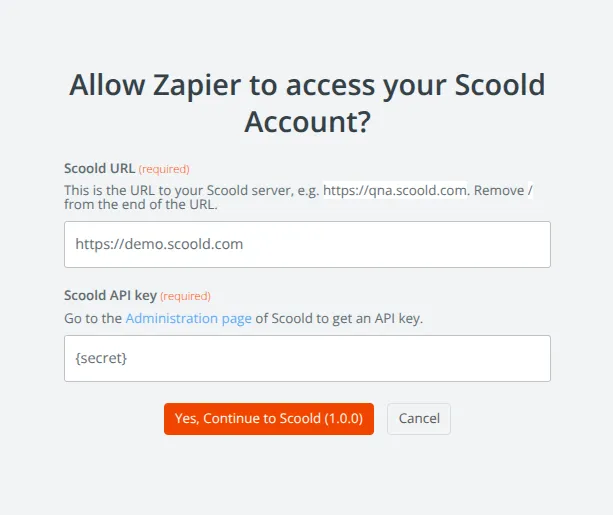
Quickly connect to any Scoold instance
Simply enable the Scoold API and generate a new API key from the "Administration" page in Scoold. Then point Zapier to your Scoold server URL and enter your API key.
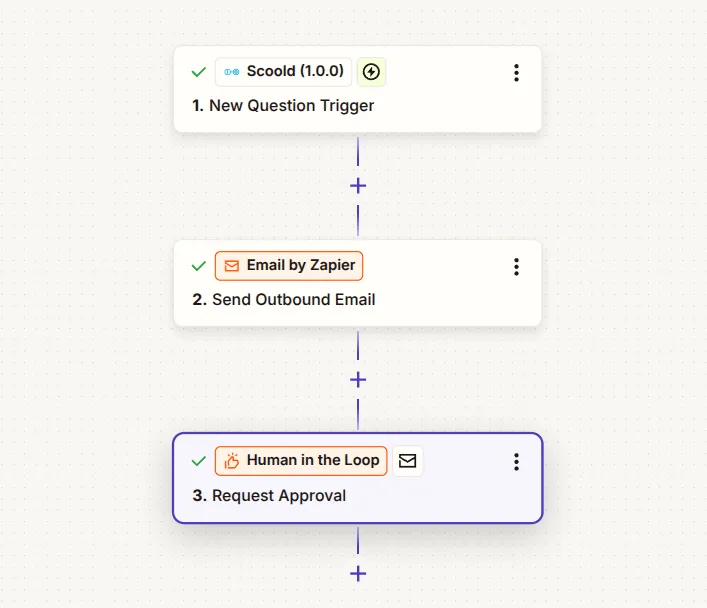
Trigger on new questions and answers
Fire Zapier automations whenever a new question is posted, answered, or tagged. Send emails to subject-matter experts, add humans in the loop.
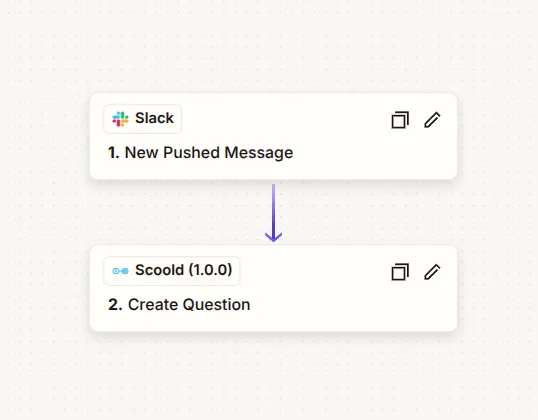
Automate Scoold content creation with Zapier Actions
Create a new question whenever a person pushes a new message in chat, or a new email comes in. The possibilities are endless.
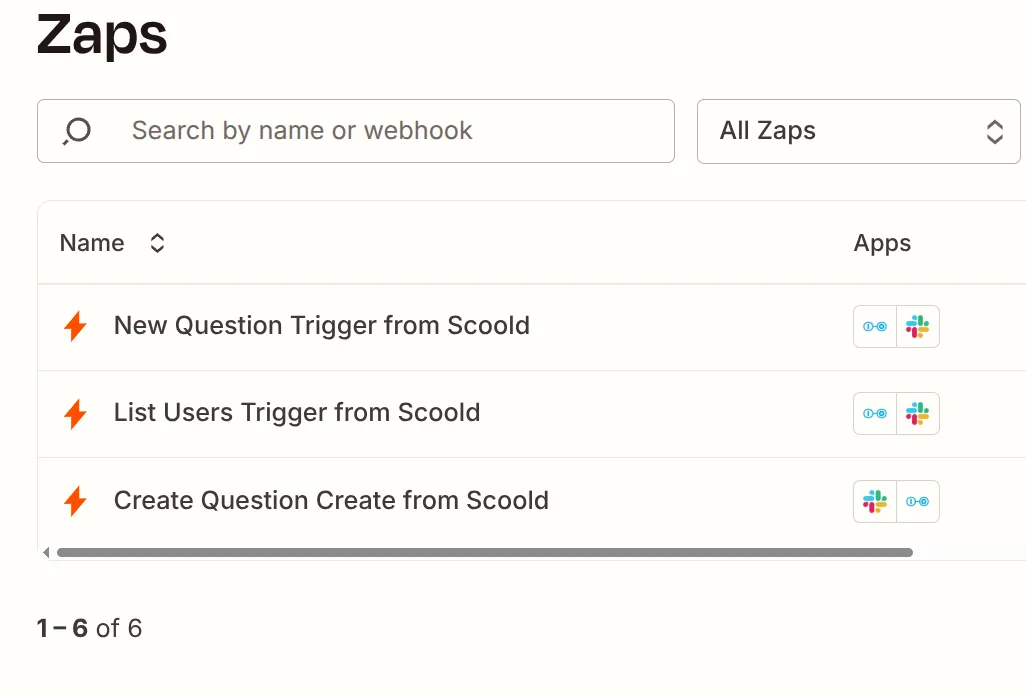
Manage your custom zaps centrally
Quickly add and manage zaps on the Zapier platform, enable or disable zaps with a single click.
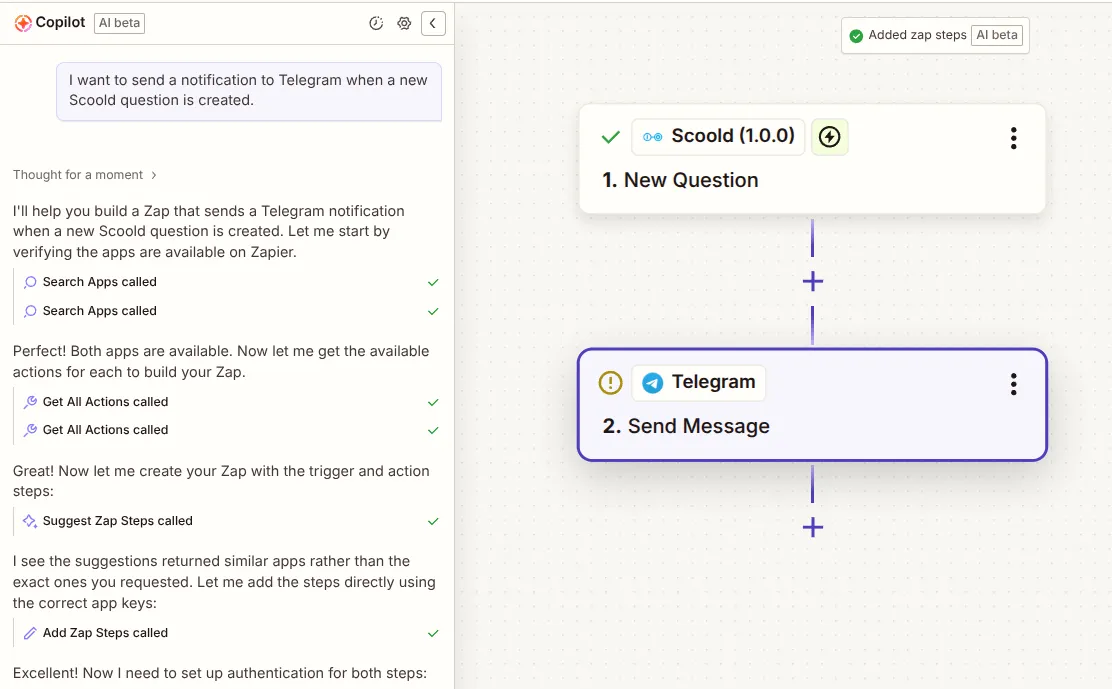
Use AI to generate complete Zapier integrations
Save hours by using Zapier's Copilot feature to help you generate complete integrations between your favorite tools and Scoold.
How to set it up
- 1
You'll need a Zapier account and Scoold Pro up and running first.
- 2
Connect Scoold to Zapier app using your Scoold API key
- 3
Create a zap by choosing the provided Scoold triggers and actions in Zapier
- 4
Follow the documentation to get started.
Need detailed setup instructions? Read the documentation →
Ready to build your team's Knowledge Base?Community Forum?Developer Hub?Support Center?Q&A Platform?Issue Tracker?
Join hundreds of organizations using Scoold Pro to capture and share knowledge effectively. Choose between a self-hosted license or a cloud subscription.